
Computer-using agents now deliver more secure UI automation at scale
See how new updates to computer‑using agents improve UI automation with secure credentials, detailed monitoring, and scalable Cloud PC capacity.
See how new updates to computer‑using agents improve UI automation with secure credentials, detailed monitoring, and scalable Cloud PC capacity.
xAI models are now available in Copilot Studio, expanding your multi‑model lineup with a new option for fast reasoning and flexible agent design.
Learn six core capabilities organizations need to support agent adoption at scale in 2026, from governance and security to empowerment and operations.

The Microsoft Copilot Studio extension for Visual Studio Code is generally available, so you can build and manage Copilot Studio agents from the IDE you already use.

Anthropic models are now available in Copilot Studio, providing more flexibility to design smarter agents, speed up workflows, and improve outcomes.

Computer use is now available in public preview in US-based environments, expanding how you can design agents that work across websites and apps.

Announcing computer use in Copilot Studio! This new feature allows your Copilot Studio agents to interact directly with websites and desktop applications. Want to join the limited preview? Read on.

At Microsoft, we believe in creating tools that empower you to work smarter and more efficiently. That’s why we’re thrilled to announce the first release of Model Context Protocol (MCP) support in Microsoft Copilot Studio.

Microsoft is investing in agent capabilities that help customers boost the quality of their agents to unlock business value.
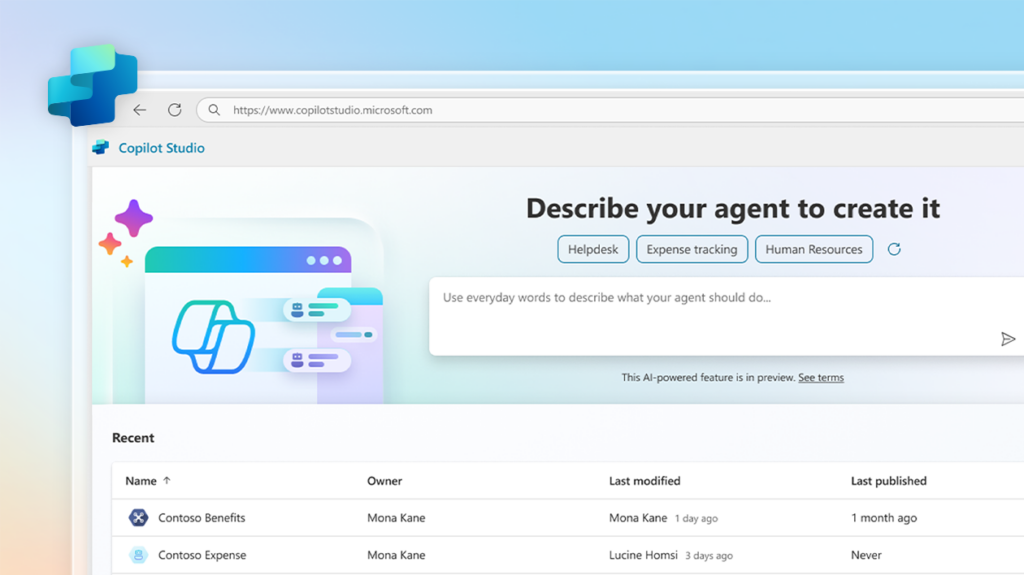
At our AI Tour in London, we’re excited to announce a new set of capabilities that enable you to build autonomous agents, which will be in public preview at Microsoft Ignite 2024.
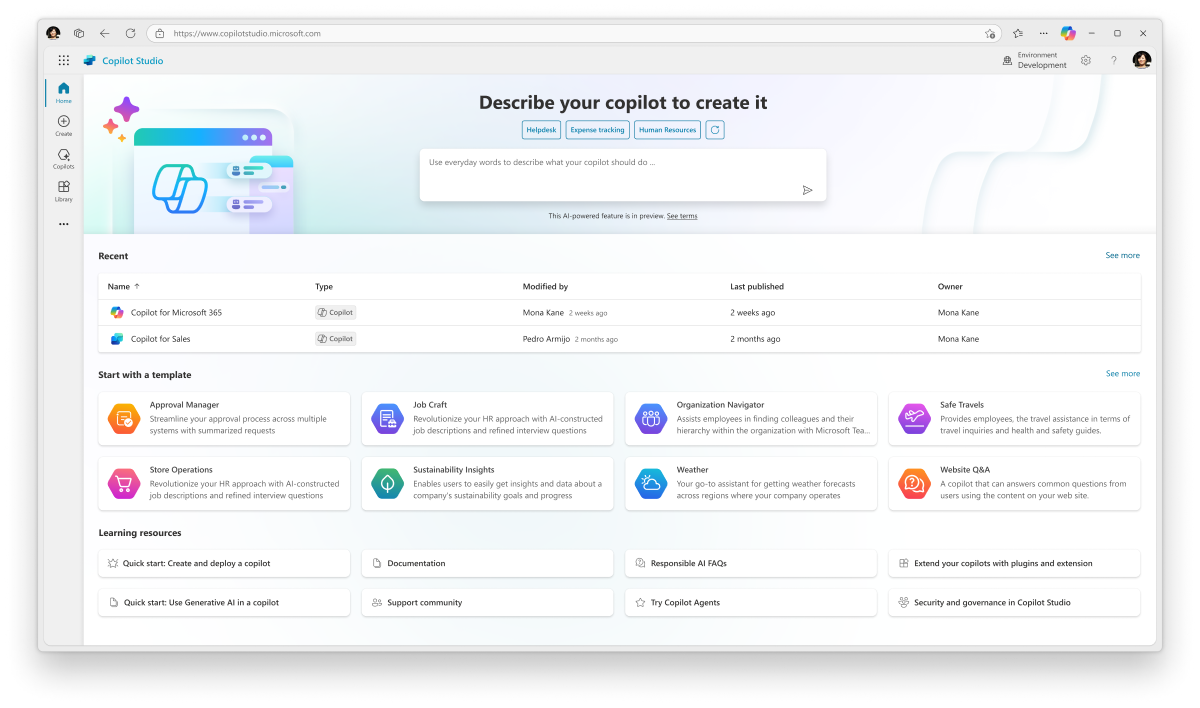
At Microsoft Build 2024, we’re thrilled to introduce our latest innovation, a steppingstone in agent capabilities coming to copilots, using Microsoft Copilot Studio.
The Copilot Studio implementation guide provides a framework to do a 360-degree review of your project. It highlights potential risks and gaps, aims at aligning the project with the product roadmap, and shares guidance, best practices and reference architecture examples.
Streamline business processes across your organization by building custom agents with low-code tools and generative AI.