
Prepare your servers for Secure Boot certificate updates
The original Secure Boot certificates introduced in 2011 are approaching the end of their planned lifecycle, with expirations beginning in late June 2026.
 Windows Server



We’re excited to announce the availability of the IT pro technical documentation for Windows Server 2016 and Windows 10 and Windows 10 Mobile on docs.microsoft.com.
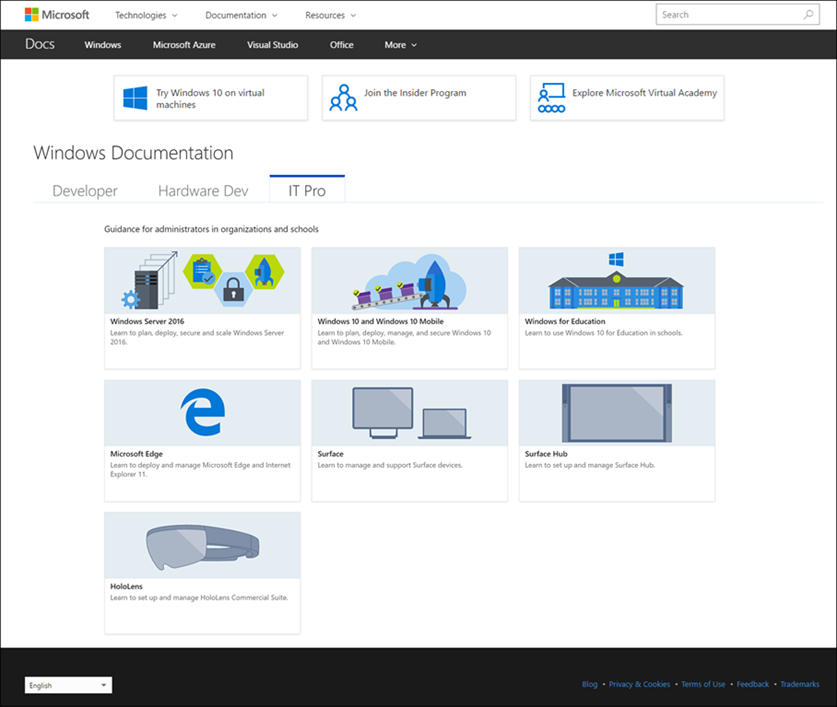
You’ll immediately notice our crisp new responsive design that looks fantastic on your phone, tablet, and PC. But, more importantly, you’ll see new ways to engage with Microsoft and contribute to the larger IT pro community. From the ground up, docs.microsoft.com offers:
We recognize that customers are eager to share best practices, optimizations, and samples with the larger IT pro community. Docs.microsoft.com makes contribution easy.
Community contributions are open for our content sets and we’re hoping to hear from you. Learn more about editing an existing IT pro article.
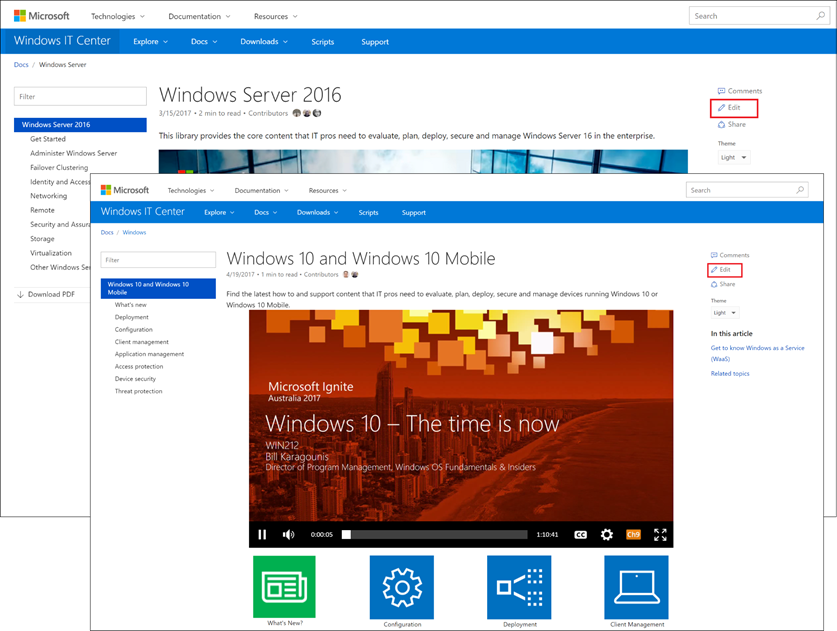
We want you to have a great experience on docs.microsoft.com. Please give us your feedback.
The original Secure Boot certificates introduced in 2011 are approaching the end of their planned lifecycle, with expirations beginning in late June 2026.

As organizations modernize, AD DS continues to be a frequent focus for cyberattacks. This summary outlines six critical threats and provides actionable steps to help detect and reduce risk.

As organizations face an evolving threat landscape, strengthening Windows authentication is more critical than ever. The deprecation of RC4 (Rivest Cipher 4) encryption in Kerberos is a shift toward modern, resilient security standards.